Home / Make it yours

Apple Watch Face Ideas and Wallpapers

Find color, wallpaper and band ideas to personalize the Watch faces already available on your device.

Starting points

Pick a mood

Inspiration, not third-party faces

These are styling ideas and wallpaper images, not installable third-party Watch faces. Face options and complications depend on your Watch and installed apps.

The basics

What you can customize

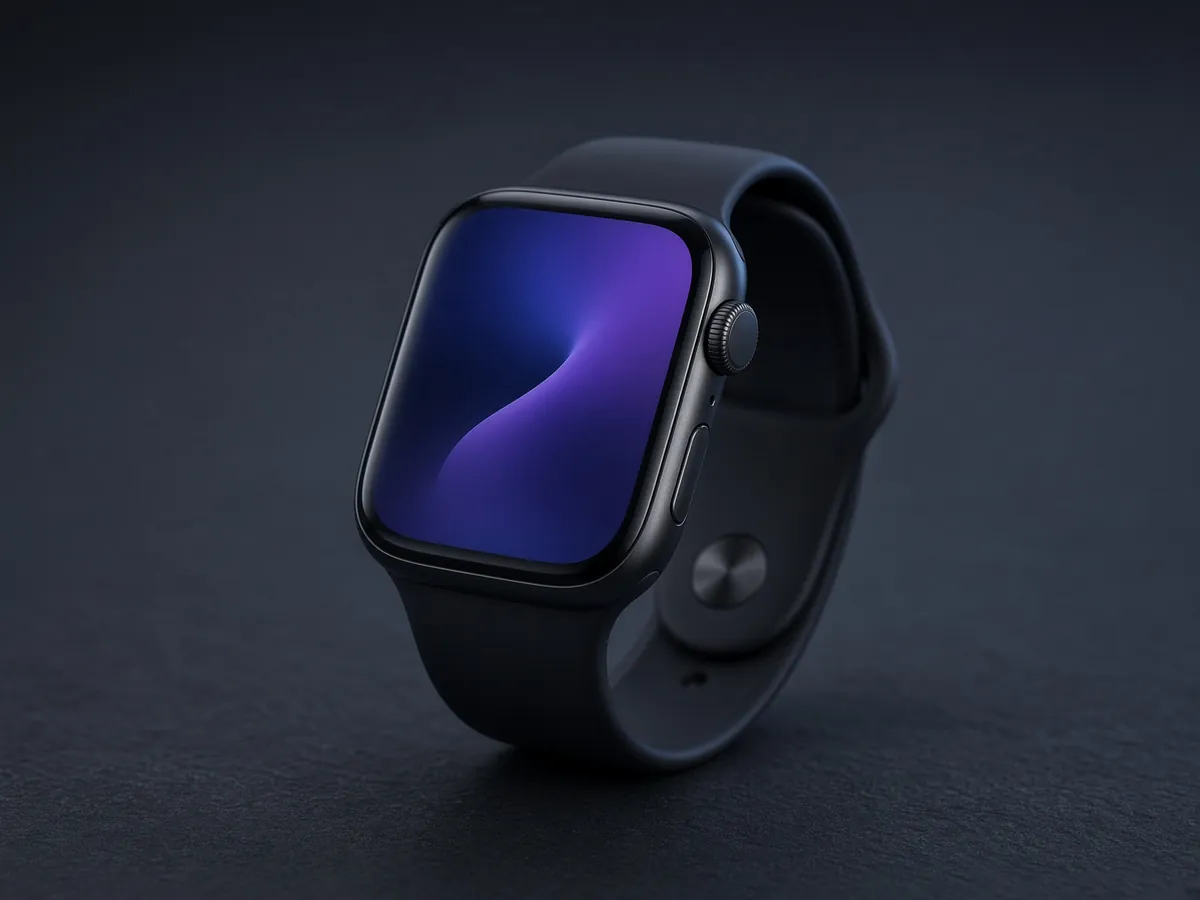
Apple makes every Watch face, and third-party apps cannot add new ones. What you can change is generous: on most faces you can adjust colors, styles and complications, and the Photos face can show your own images.

That makes a wallpaper the simplest way to change how your Apple Watch looks without installing or buying anything.

Styling tip

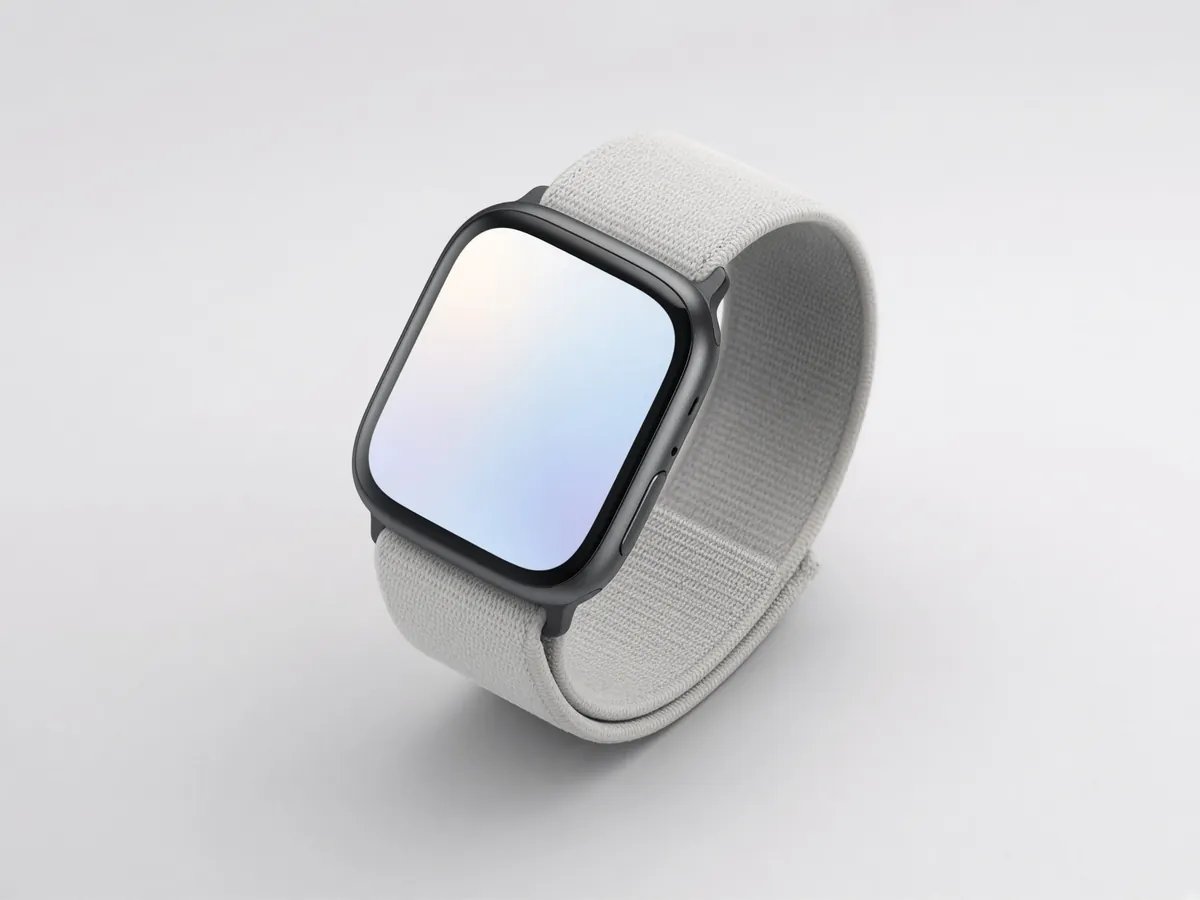
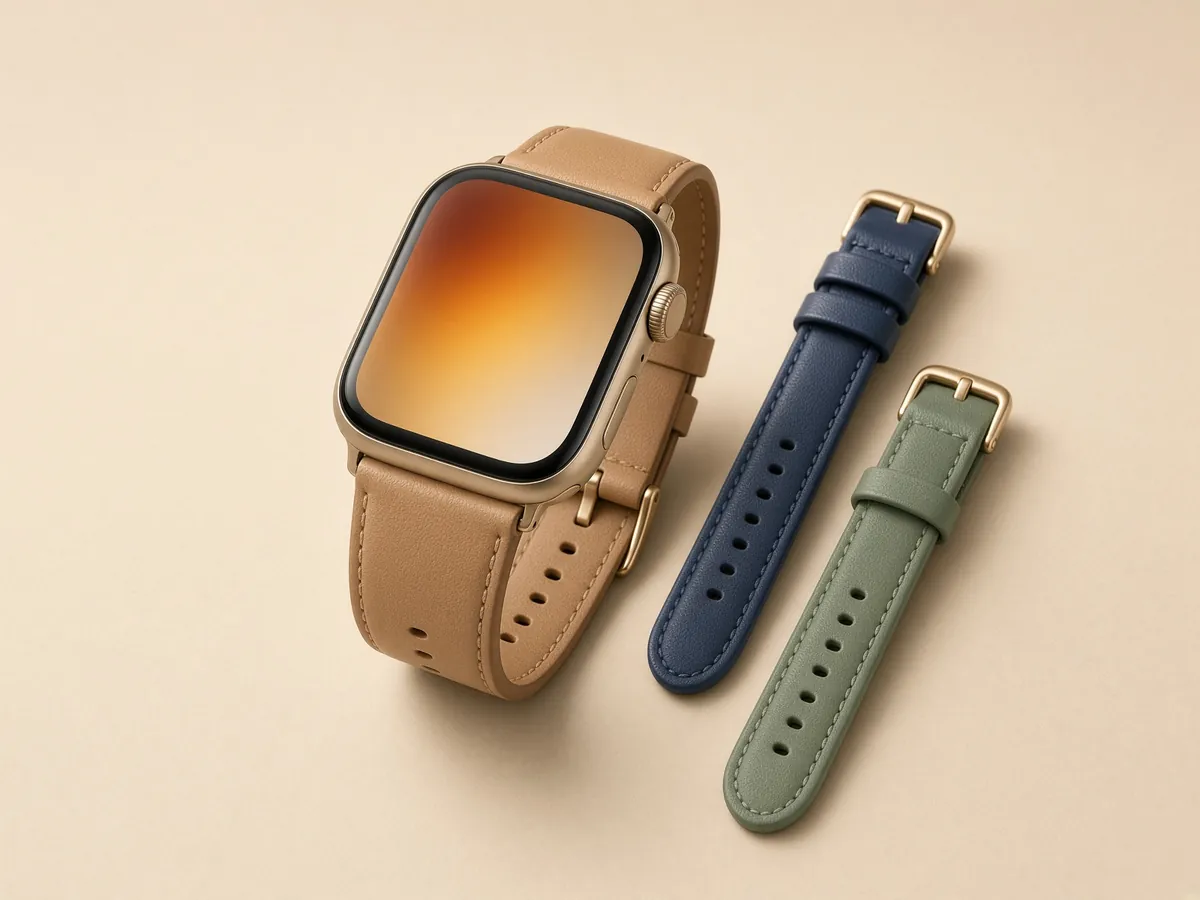
Match it to your band

Pick one accent color from the band and repeat it in the face color or a complication. A navy band with a navy dial reads as one deliberate choice; matching every color usually looks busy.

If the band is patterned, keep the face simple and let the strap carry the look.

Step by step

Use a wallpaper as a Watch face

  1. Save the image to Photos on your iPhone.
  2. Open the Watch app on your iPhone.
  3. Go to Face Gallery and choose Photos.
  4. Pick the photo or album you want on your Watch.
  5. Tap Add. The face syncs to your Watch.

A photo with a simple subject works best, because the time and complications sit on top of the image.

Keep going

Next steps