Home
Best Apple Watch CaseBestAppleWatchCase.com
Visual Library

Setup Inspiration

Apple Watch desk, nightstand, and commute setups that connect product utility with a strong visual mood.

20 gallery items
Built for visual browsing
Gallery items can support downloads, inspiration saves, and product-driven setup exploration.
Featured
Setups

The Nothing Setup

1800

A single floating wall peg mount in a completely empty white room. Apple Watch on the peg, nothing else. An NFC sticker on the wall beside it triggers a morning routine when you grab the watch. Extreme minimalism.

minimalwhiteextremewallclean
minimal
Featured
Setups

Perfect Nightstand Dock

1200

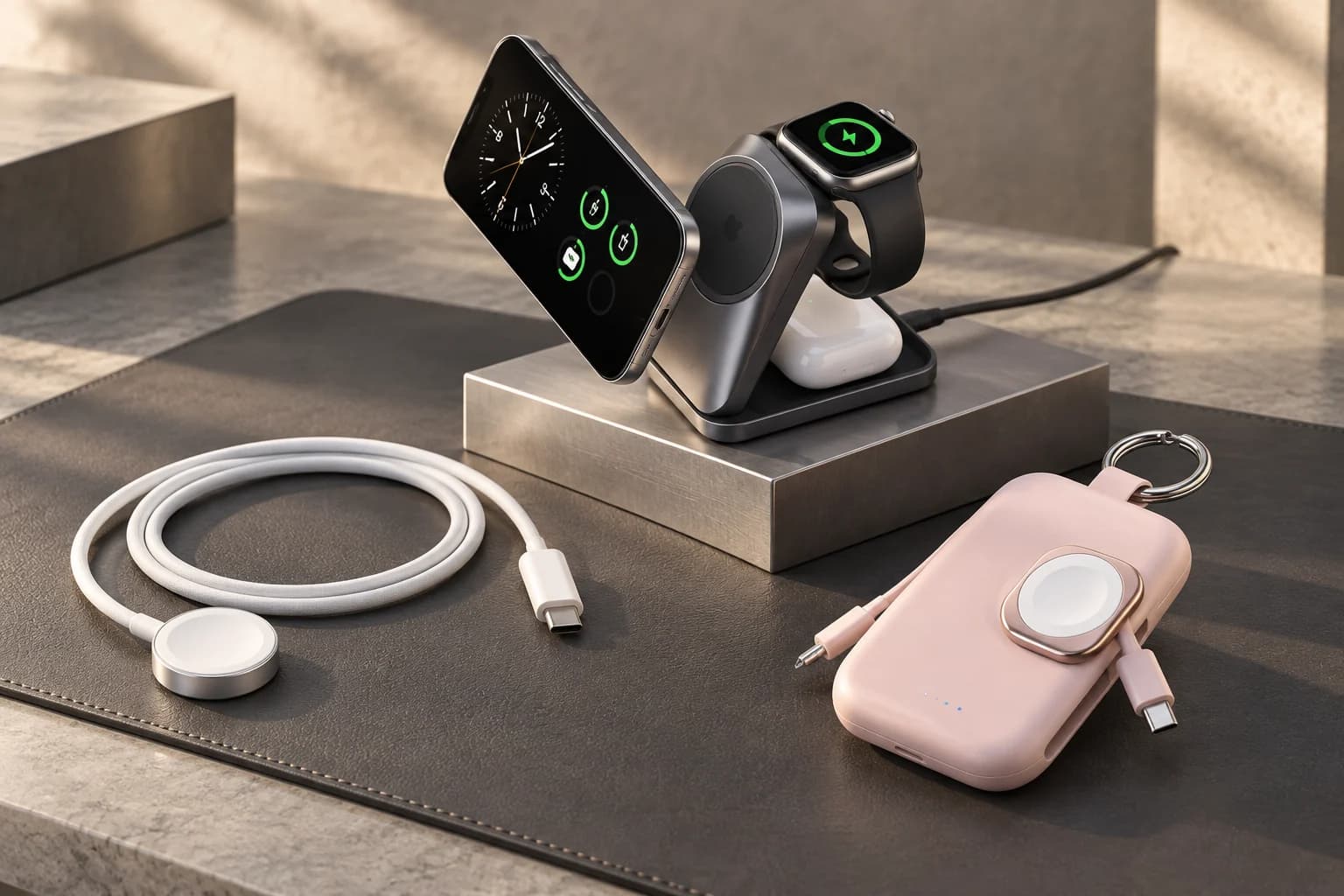
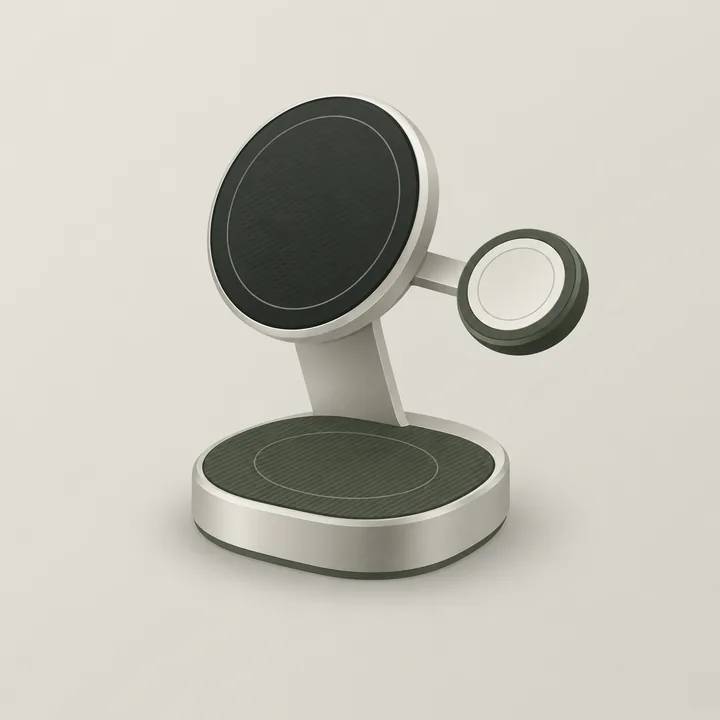
Dark nightstand setup with Apple Watch in Nightstand mode on a Belkin angled charger showing the time. iPhone on MagSafe puck beside it. NFC sticker on the lamp triggers a bedtime Shortcut.

nightstanddarkminimalchargingbedroom
nightstand
Featured
Setups

Minimal White Desk

842

Clean white standing desk with Apple Watch Series 9 on a Nomad charging stand beside a MacBook Pro. NFC tag under the stand triggers a work focus mode when the watch is grabbed each morning.

minimalwhitedeskmagsafeclean
desk
Featured
Setups

Desk Automation Grid

18

A productivity setup concept that pairs Apple Watch, NFC tags, and a compact charging stand into a cleaner weekday desk routine.

deskworkflownfcproductivityglass
productivity
Setups

Travel-Ready Pouch

771

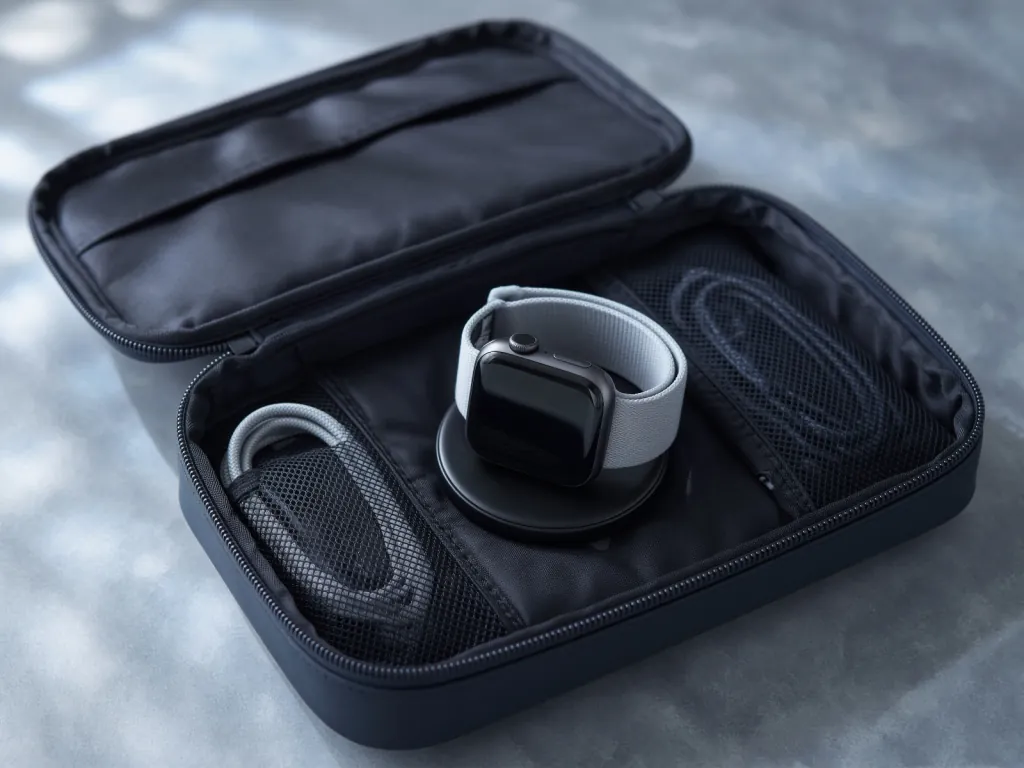
Top-down flatlay of compact travel charging kit: Apple Watch magnetic puck, folded USB-C cable, MagSafe battery, and AirTag — all in a slim Bellroy travel pouch on grey felt.

travelflatlayminimalcompactpacking
travel
Setups

Living Room Charging Nook

634

A natural wood shelf corner with Apple Watch stand beside a small succulent. NFC tag on the charging pad triggers an evening wind-down HomeKit scene. Warm Edison bulb lighting.

homewoodwarmaesthetichomekit
home
Setups

Standing Desk Professional

509

Walnut standing desk with dual monitors. Apple Watch on a Grovemade maple stand to the right of the keyboard. NFC tag on the stand corner triggers a full work mode — Focus mode on, lights to 80%, playlist starts.

professionalwalnutstanding-deskofficedual-monitor
office
Setups

Travel Command Stack

21

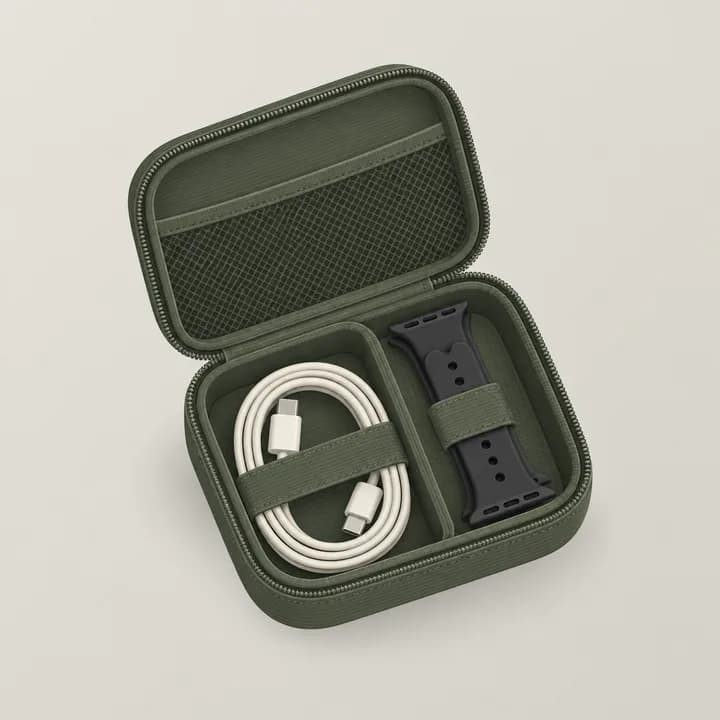
A compact travel setup concept that pairs Apple Watch, shortcuts, and a slim case into a lower-friction airport and hotel workflow.

travelworkflowcaseautomationportable
travel
Setups

Rugged Commute Protection Kit

17

A more protective Apple Watch layout concept for commuting, workouts, and bag-heavy days where edge protection matters more than the thinnest silhouette.

casesruggedcommutegymprotection
protection
Setups

Band Rotation Valet Tray

16

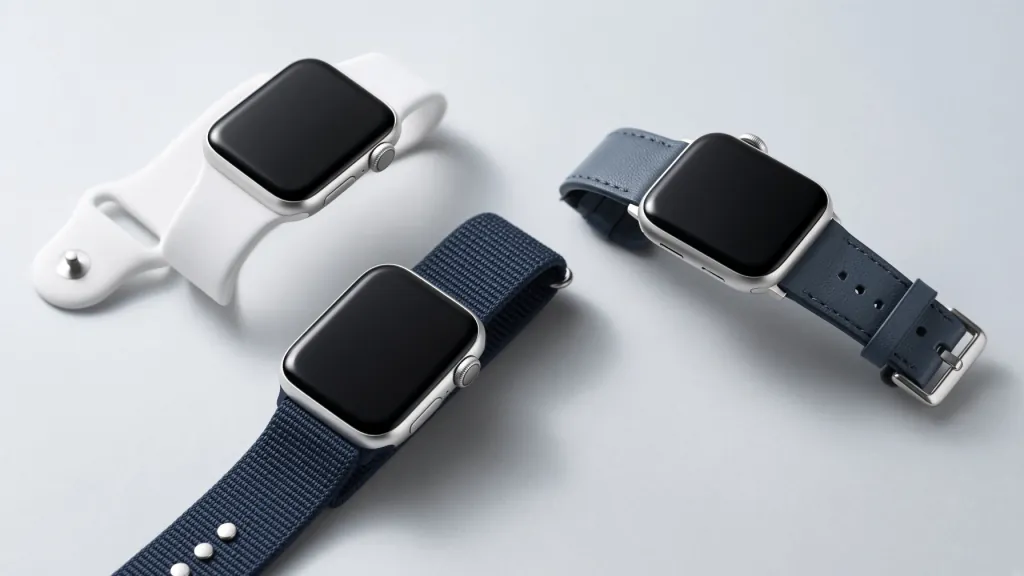
A small Apple Watch band-rotation concept that keeps one sport band and one elevated strap ready for work, travel, and faster day-to-night switching.

bandsrotationvalettravelstyle
style
Setups

Travel Charge Foldout

15

A compact travel charging concept for Apple Watch, a folding stand, and an NFC-ready routine that keeps hotel or airport setups cleaner.

travelchargingfoldoutcompactroutine
travel
Setups

Minimal Everyday Case Rotation

15

A clean Apple Watch carry concept built around one slim everyday case, one compatible band, and a lower-clutter desk-to-commute routine.

casesminimaleveryday-carrycleanrotation
cases
Setups

Minimal Bedside Charging Shelf

14

A calm nightstand setup concept with one Apple Watch charging anchor, reduced cable clutter, and a softer bedside visual rhythm built around nightstand mode.

nightstandchargingminimalbedsidecalm
nightstand
Setups

Monochrome Sport Band Desk Fit

13

A cleaner Apple Watch styling concept built around one sport band, muted tones, and a desk setup that still feels premium instead of purely athletic.

bandssportminimaldeskmonochrome
bands
Setups

Carry-On Charging Foldout

13

A travel charging setup concept for Apple Watch that keeps the hotel-nightstand routine compact, fast to unpack, and cleaner than a loose cable pile.

travelchargingcarry-onfoldouthotel
travel
Setups

Desk Tag Launchpad Setup

12

A desk setup concept that combines one NFC starter tag, a charging anchor, and a low-friction Apple Watch routine for task launches and focus changes.

desknfcproductivityfocusglass
desk
Setups

Nightstand Sleep Mode NFC Setup

11

A bedside setup concept that combines Apple Watch charging, a sleep-mode or wind-down shortcut, and one low-friction NFC trigger that belongs in the nightstand routine.

nightstandsleepnfcchargingwind-down
nightstand
Setups

Hotel Nightstand NFC Routine

10

A travel-nightstand setup concept for Apple Watch charging, a simple room-mode trigger, and a cleaner hotel arrival workflow.

travelnightstandnfcchargingroutine
travel
Setups

Doorway Scene Tag Setup

9

A home-entry setup concept for one doorway NFC tag, a room-scene shortcut, and an Apple Watch-adjacent arrival routine that feels grounded instead of overbuilt.

smart-homeentrynfcroom-sceneroutine
smart-home
Setups

Networking Card Desk Setup

8

A desktop networking setup concept that combines an NFC card, Apple Watch event routine, and a cleaner follow-up workflow for meetings or conferences.

businessnetworkingnfcdeskcard
business
What makes a setup page worth keeping
Setup content should do more than look good. The best setup pages connect a real Apple Watch routine to a clear environment like a desk, nightstand, commute bag, or gym workflow.
Recommended setup-content structure
1
Anchor the scenario
Name the environment first: desk, nightstand, travel, workout, or smart-home context.
2
Show the utility layer
Explain what the stand, charger, tag, band, or workflow changes in daily use.
3
Connect the products
Tie each visual setup to actual gear or tools instead of leaving it as a mood board only.
4
Create the next click
Hand readers off to product pages, tools, or guides so the gallery supports the wider flywheel.
Strong setup page ingredients
A clear setup scenario with a named use case
Real product references, not generic aesthetic filler
One workflow angle such as charging, NFC, travel, or focus mode
A short editorial takeaway explaining why the setup works
How setup pages should support the site
Commerce assist
A setup page should naturally surface the exact products that make the scene useful.
Guide assist
Use setup pages as visual companions to practical guides about charging, NFC, or productivity.
Discover assist
A strong setup concept can be broken into lighter discover posts, newsletter placements, and social visuals.